Table of Contents
Plan the connection of the Climkit Gateway and network connectivity

This article describes the installation planning. For on-site implementation and equipment configuration on the Climkit platform, refer to the links at the end of the article.
1. The Climkit Gateway
The Climkit Gateway is the communication gateway that centralizes and manages all equipment for Climkit solutions. It collects and transmits data from connected devices (meters, charging stations, RFID readers, etc.) to the Climkit online platform.
The Climkit Gateway communicates with equipment via RS485 serial networks and TCP/IP networks, using standard and open (non-proprietary) communication protocols, notably Modbus, M-Bus, and OCPP.
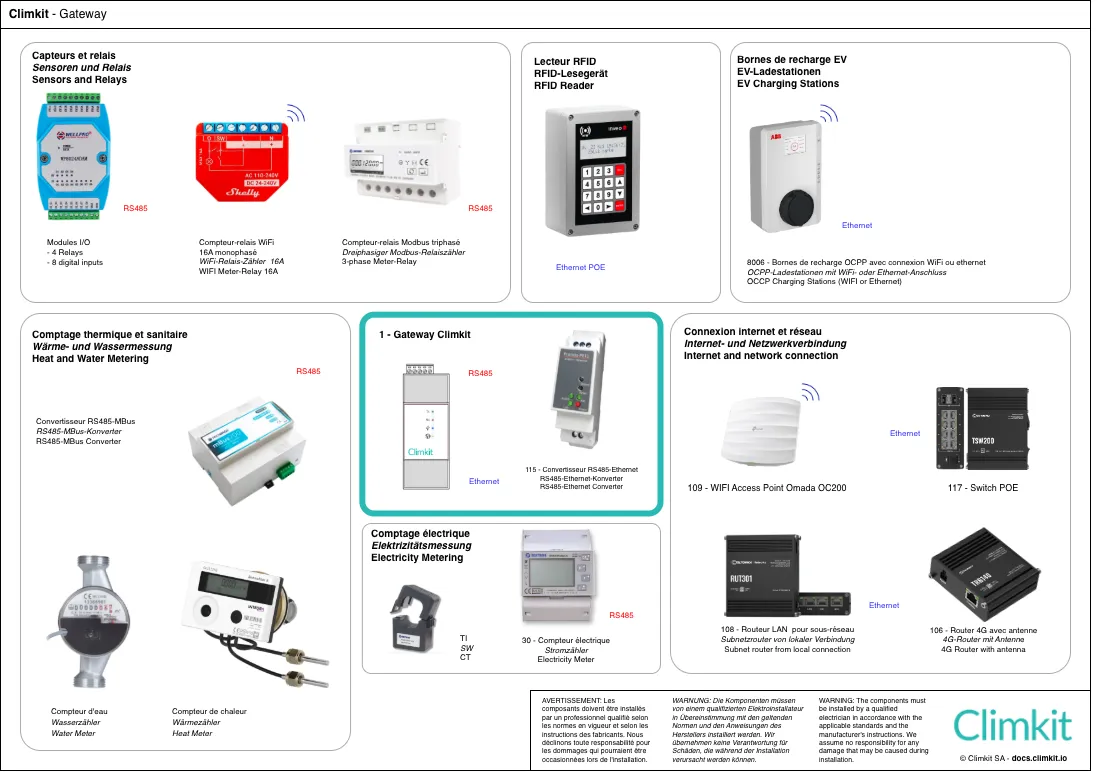
The main equipment connected to and managed by the Climkit Gateway are:
- Electricity meters
- Electric vehicle charging stations
- RFID readers
- Control relays
- Sensors
- Storage battery
Installation in the electrical panel
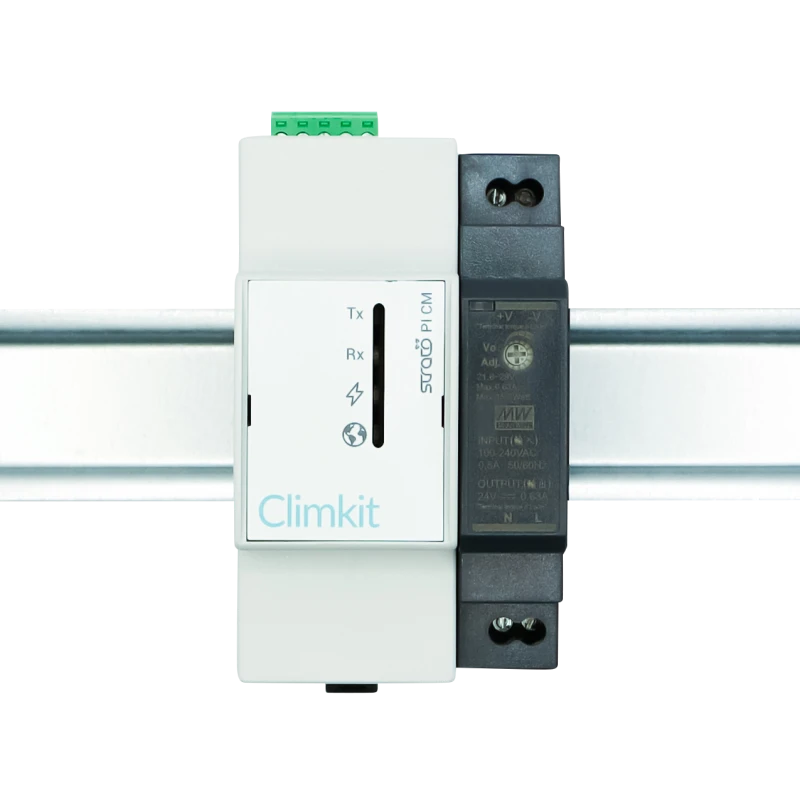
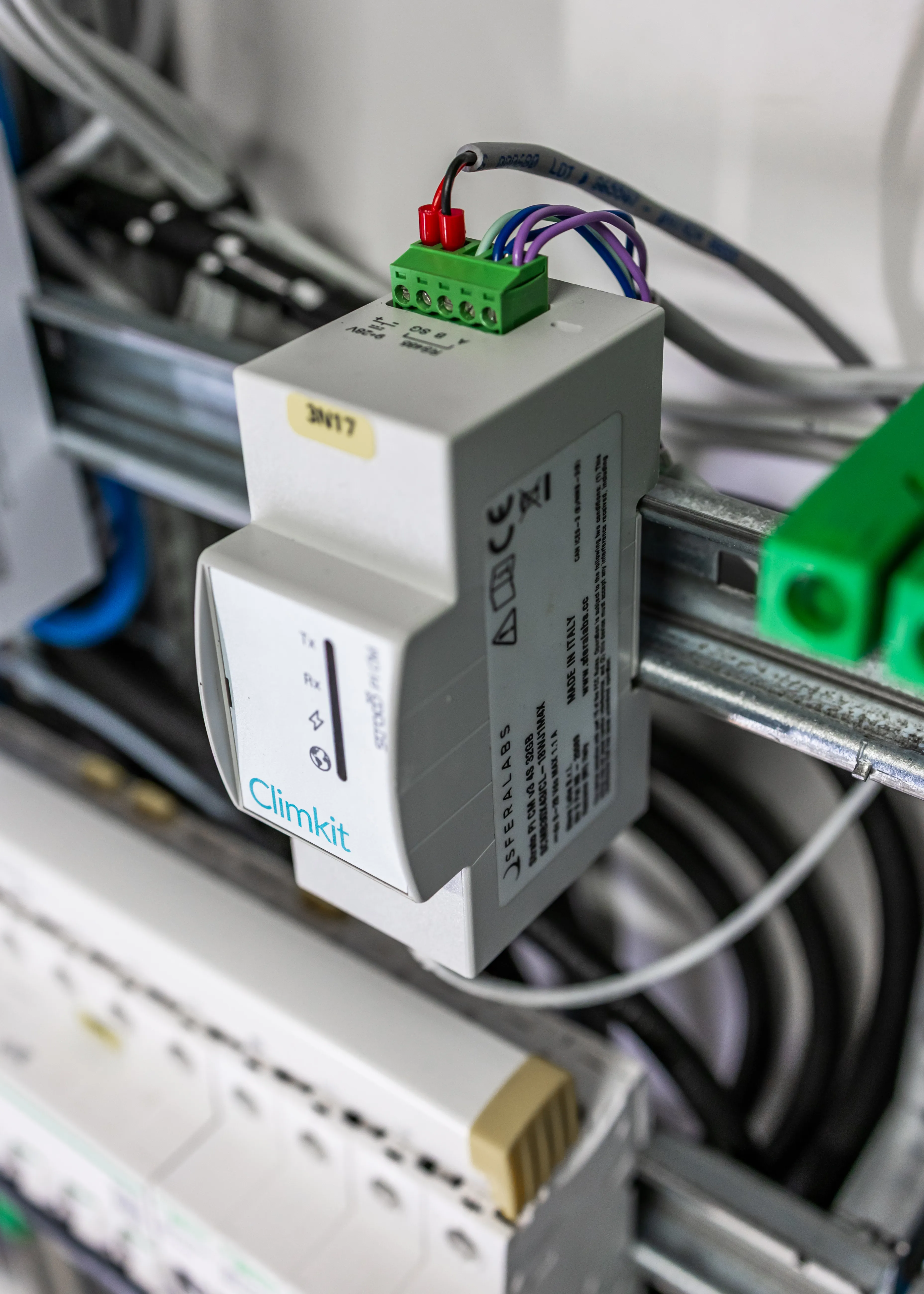
The Gateway is supplied with its 24V DC DIN rail power supply.
It is connected to the network via the RJ45 Ethernet port.
Gateway width: 2 DIN modules.
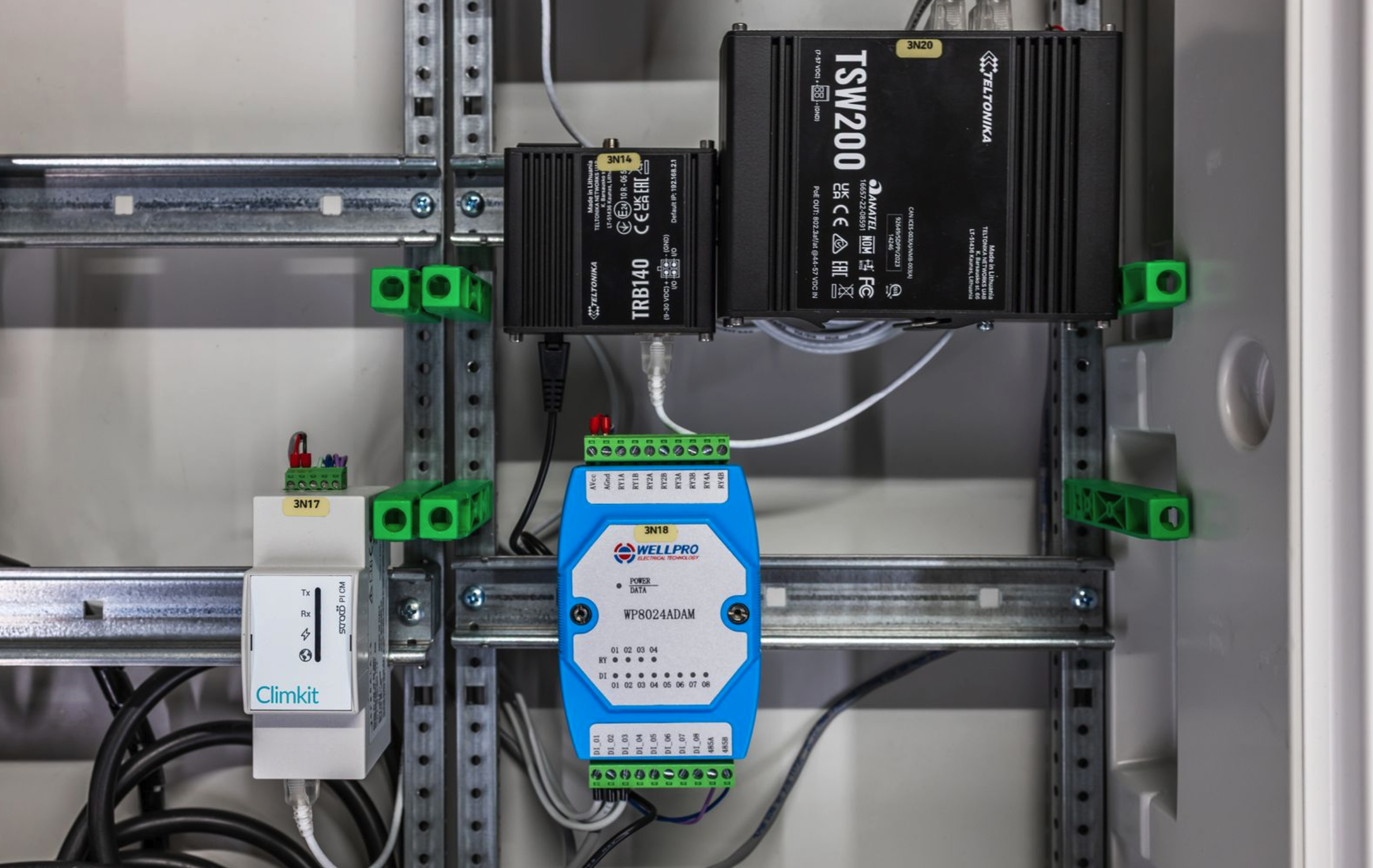
It is strongly recommended to install a dedicated circuit breaker for Climkit communication devices. It must be clearly labeled. In the example below, the circuit breaker is associated with the Climkit Gateway and the Mbus60 converter.
Connection to meters
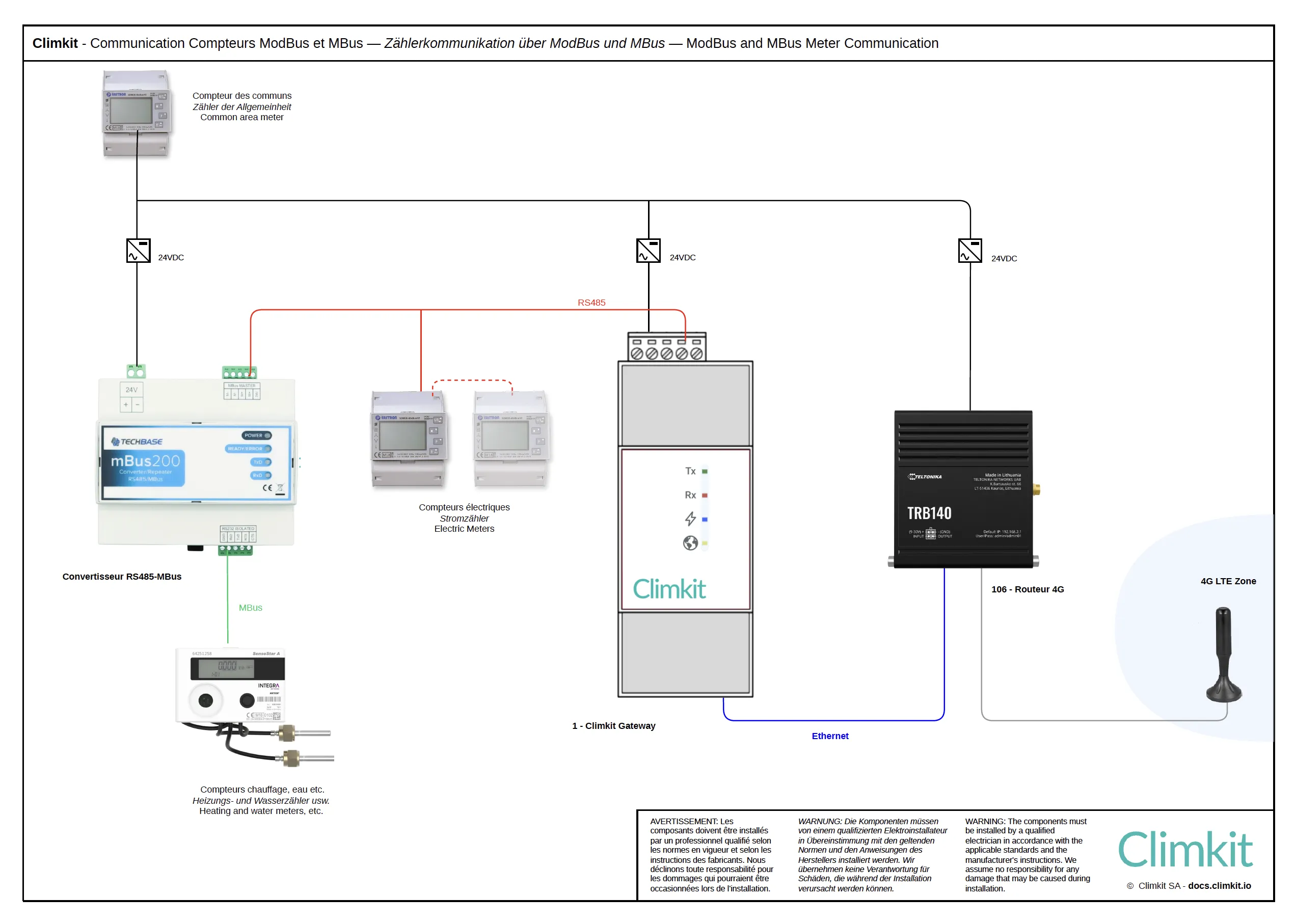
The RS485 port allows RS485-Modbus electricity meters to be connected directly.
2. Other communication equipment
4G Router
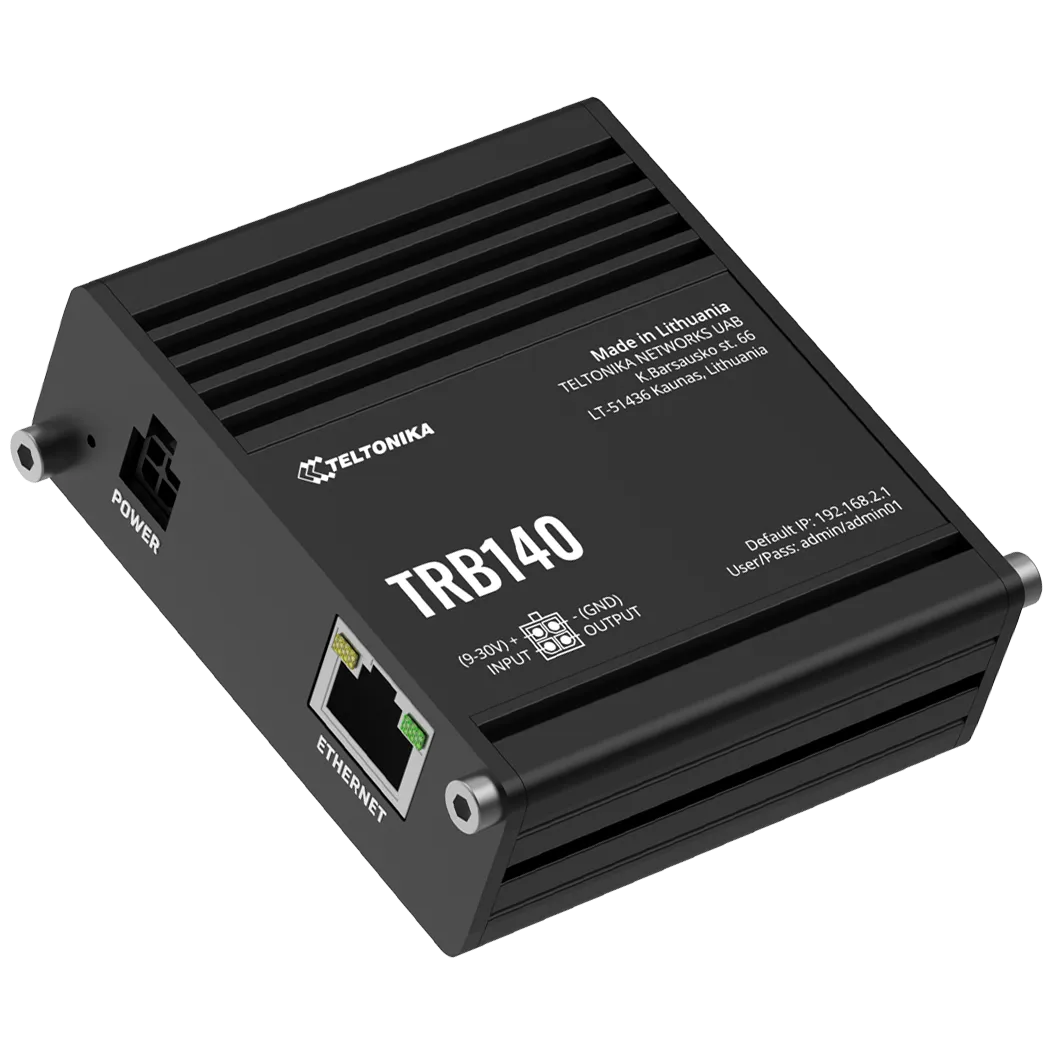
The 4G router is required when no internet connection is available in the building. It enables communication between devices and the Climkit online portal using an affordable 4G subscription.
The router is supplied with a DIN rail mount and its 24V DC power supply, a 3m remote antenna, and an activated multi-operator SIM card.
The device used is a Teltonika TRB140 (or equivalent).
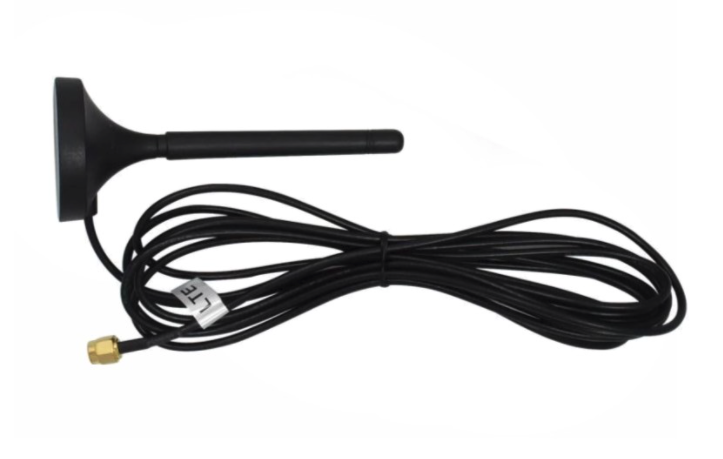
When the 4G signal is too weak or absent, order an antenna extension cable (5m or 10m) or relocate the router to an area with signal. It is not recommended to extend the antenna beyond 20m.
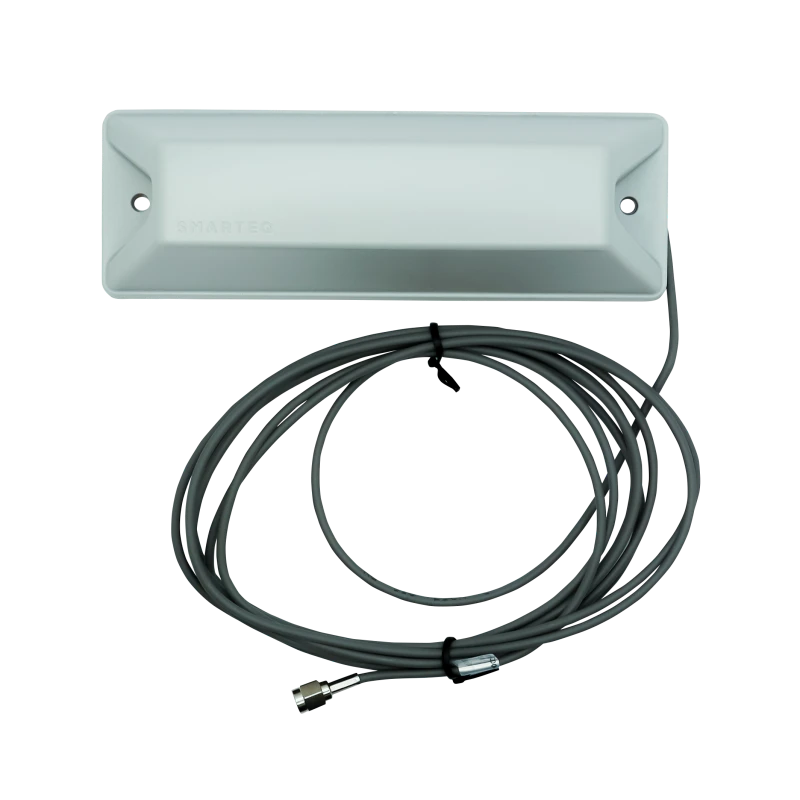
If necessary, an IP65 outdoor antenna is provided to be installed on a facade or in a lightwell.
LAN Router
If a local internet connection is available from another router, it is recommended to create a subnet with a standard router to which all devices are connected (Climkit Gateway, charging stations, etc.). This makes the configuration independent of the main router.
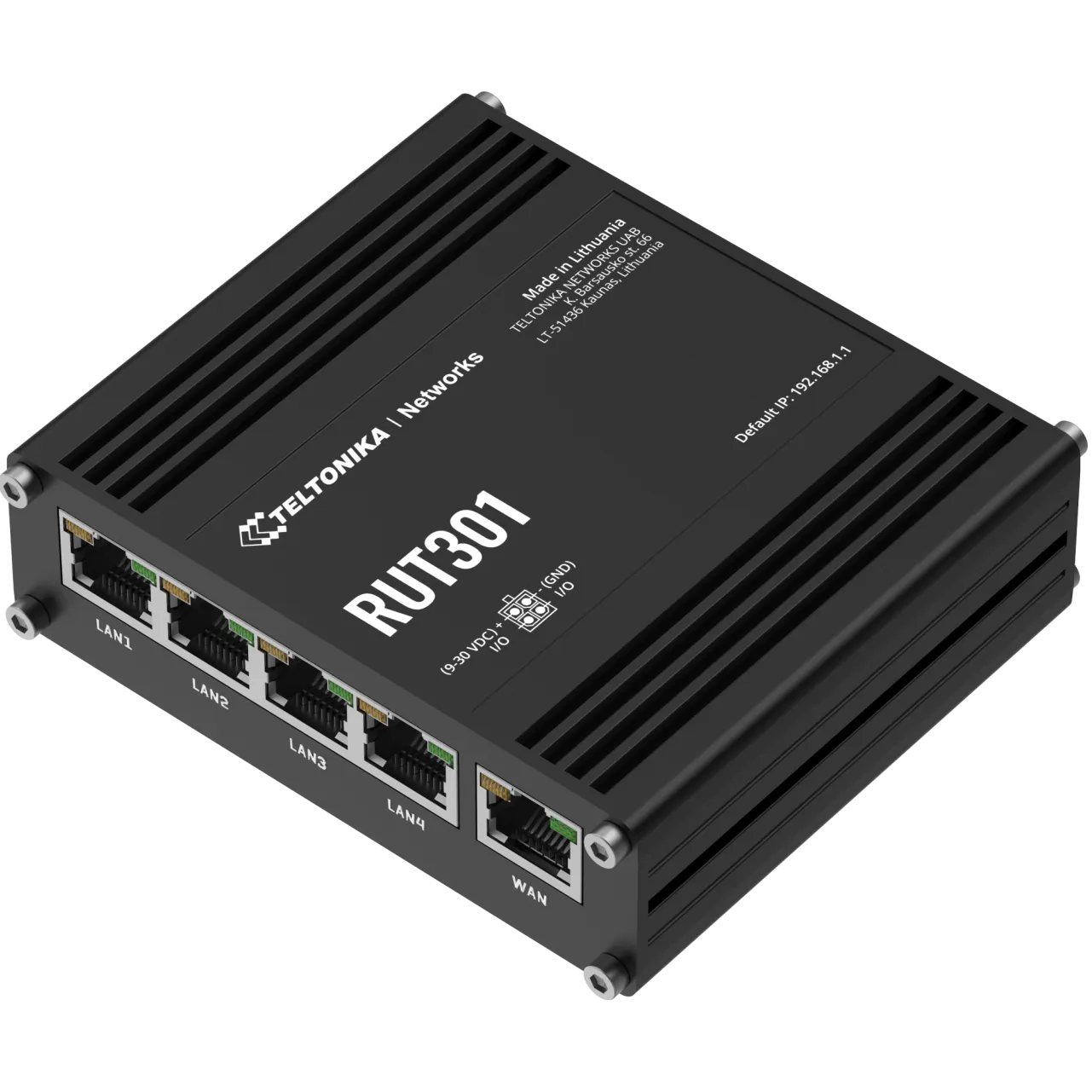
The device used is a Teltonika RUT301 with 4 LAN ports + 1 WAN, delivered with a DIN rail mount and its 24V DC DIN rail power supply.
MBus-RS485 Converter
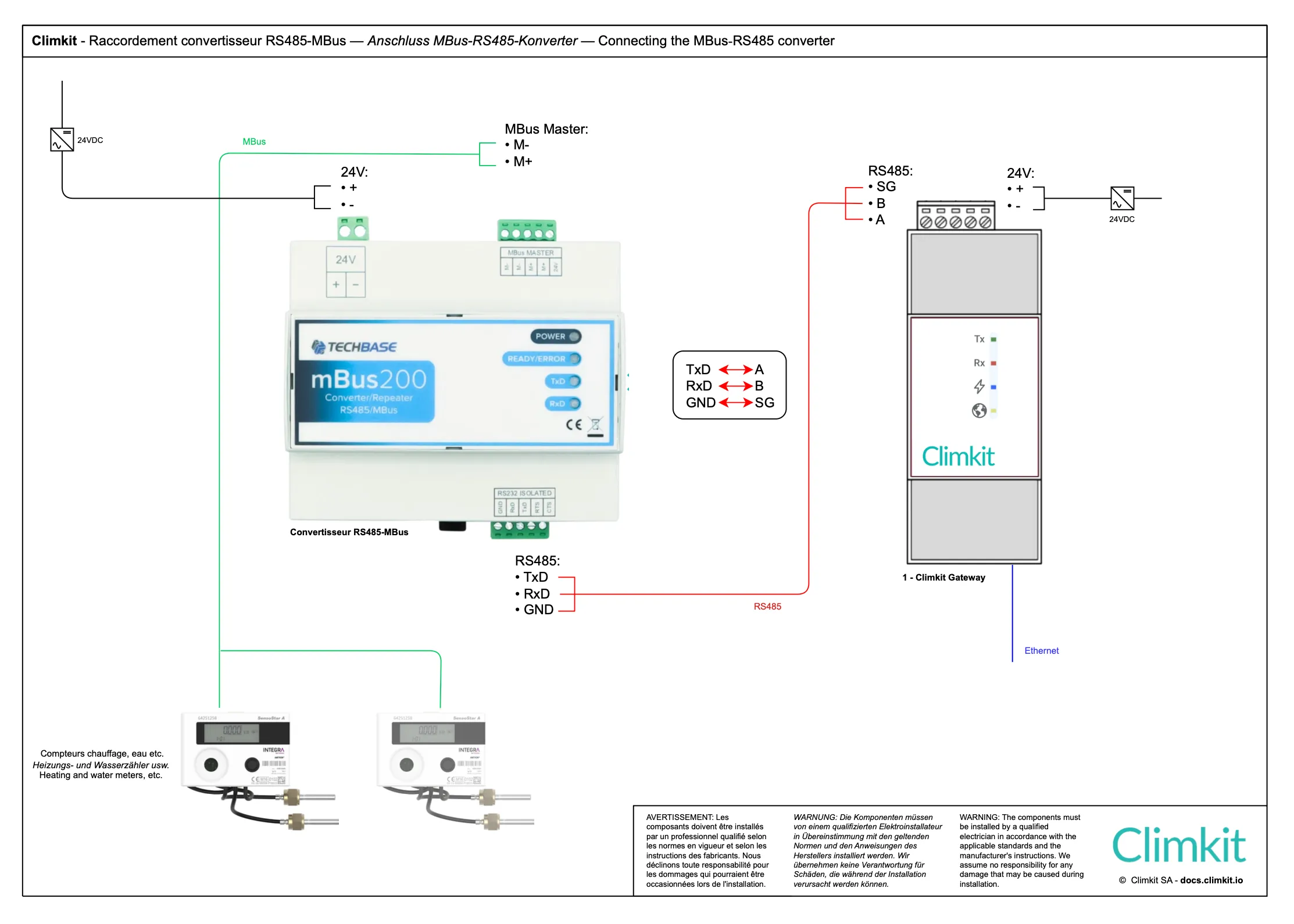
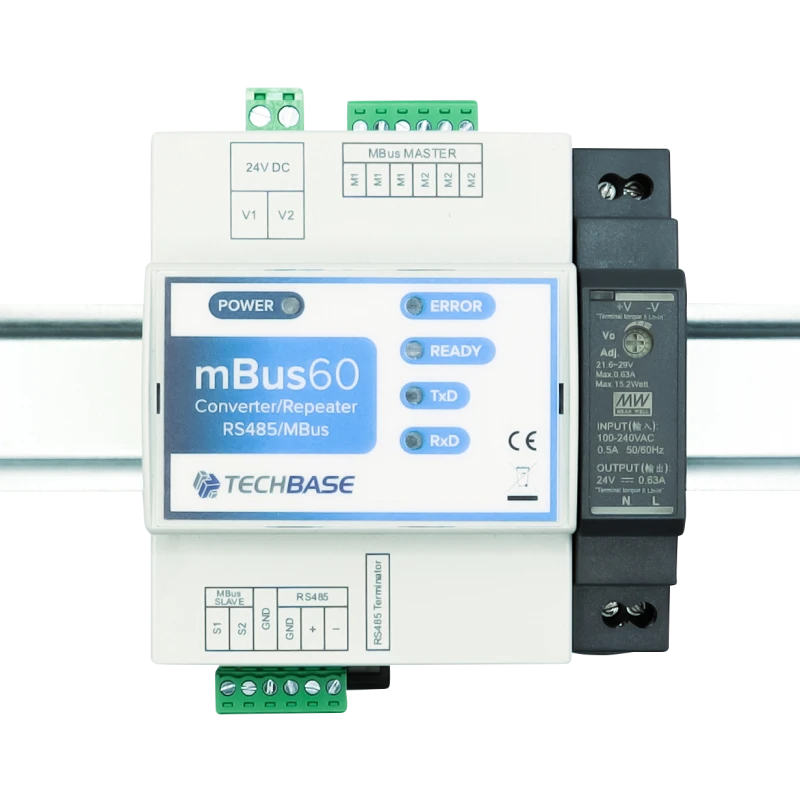
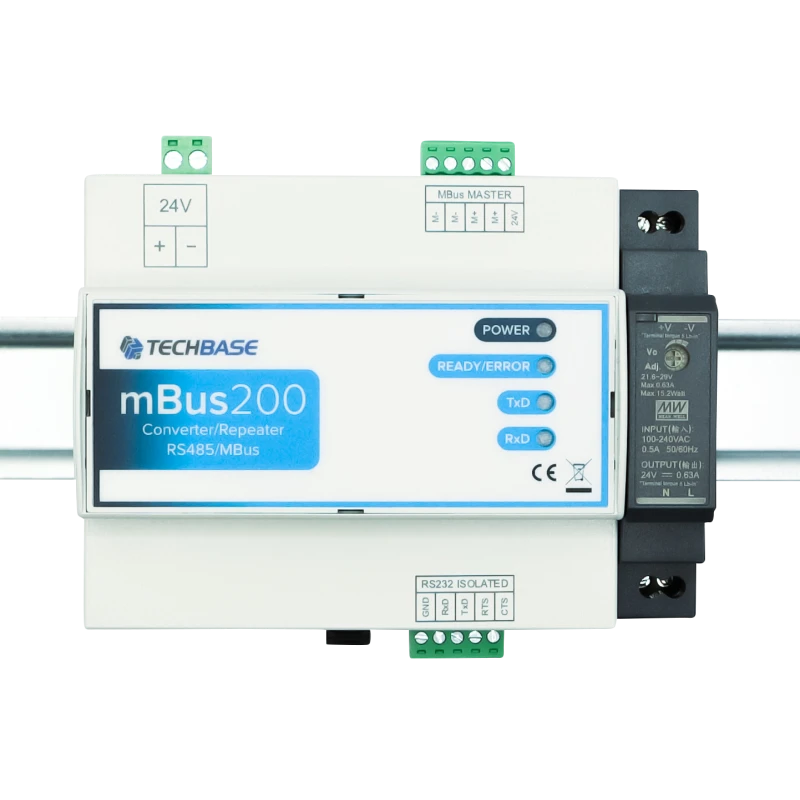
The M-Bus/RS485 converter allows M-Bus meters (typically heat and water) to be connected to the Climkit Gateway.
Two models are available depending on the number of meters to be connected:
- M-Bus60: up to 60 meters - width 4 DIN modules
- M-Bus200: up to 200 meters - width 8 DIN modules
Multiple converters can be connected to the same Gateway to expand system capacity.
Each converter is supplied with its 24V DC DIN rail power supply.
RS485-Ethernet Converter (Modbus RTU to Modbus TCP)
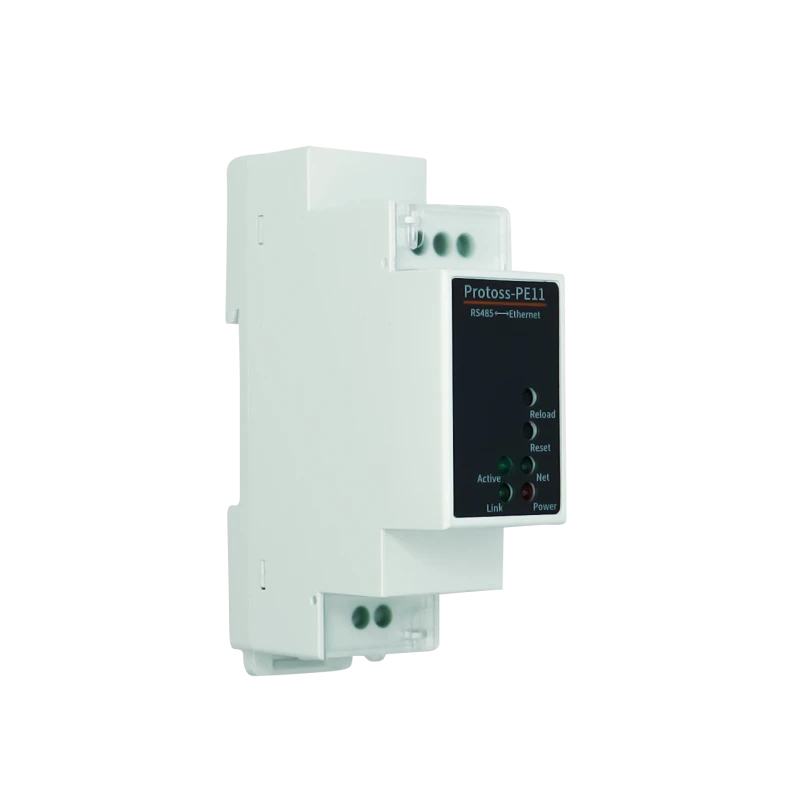
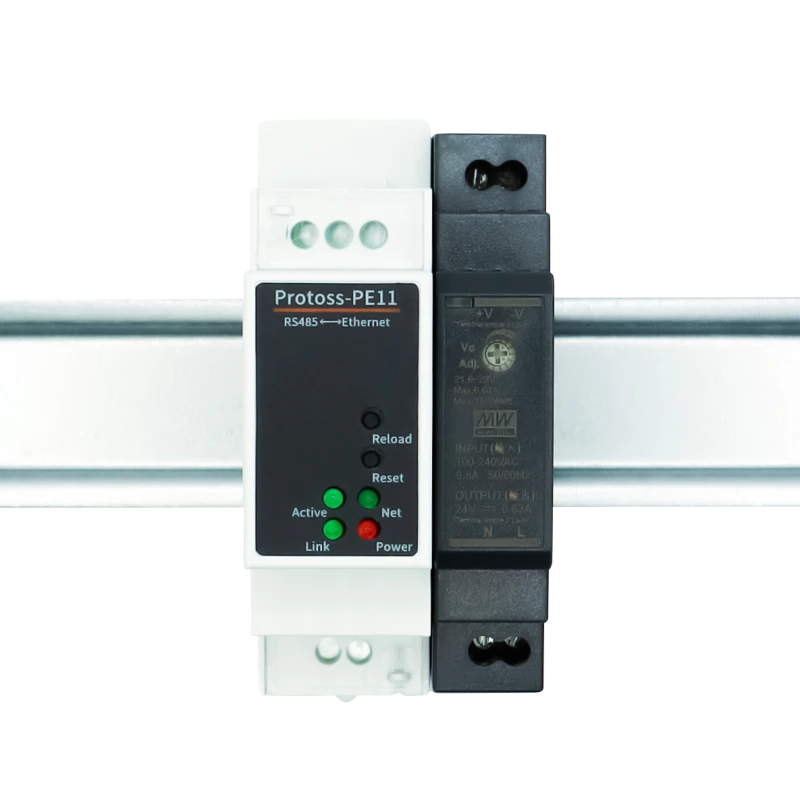
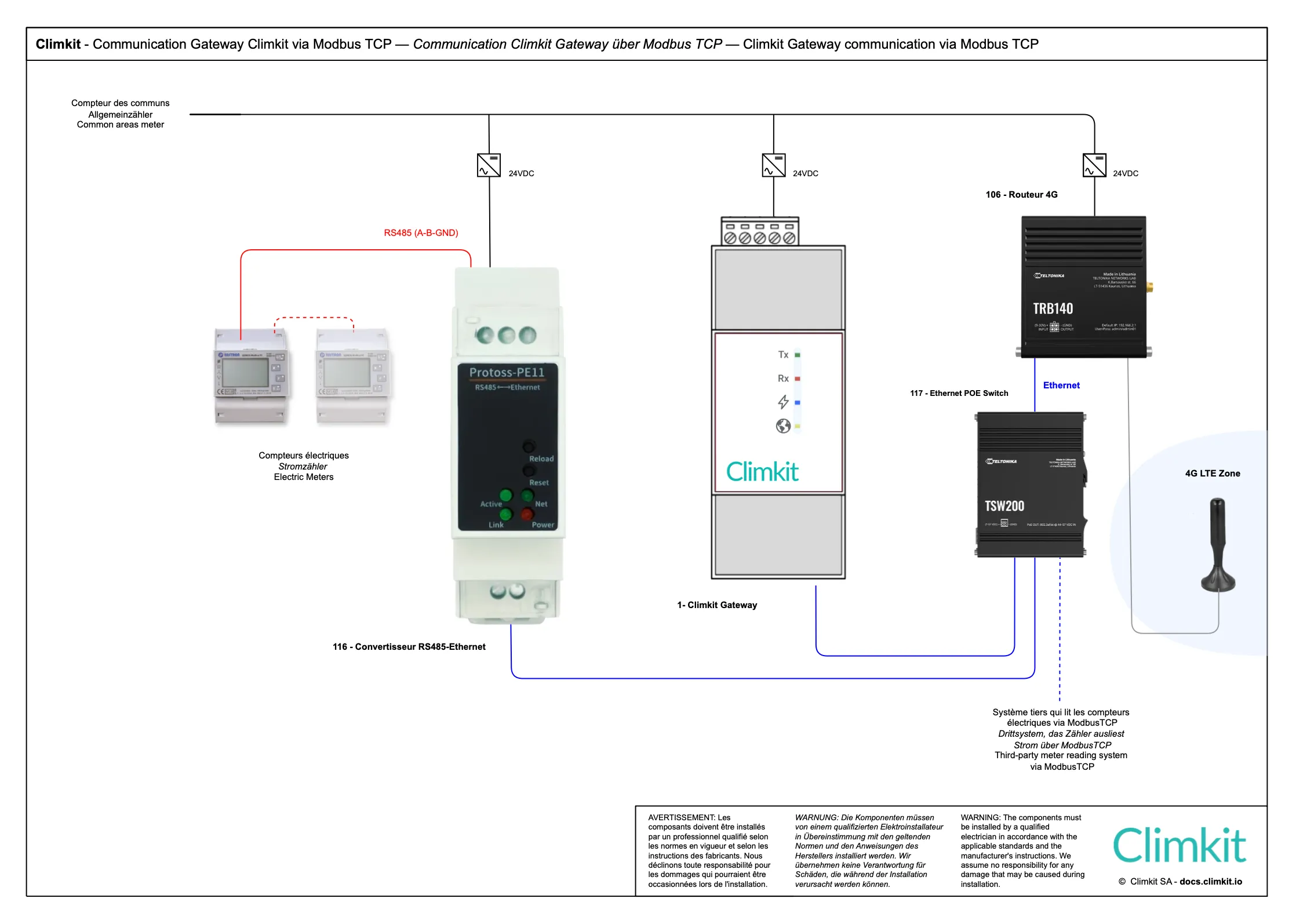
The RS485-Ethernet converter allows converting from an RS485 bus network to a TCP/IP network and thus reading Modbus RTU devices via Modbus TCP.
The model provided is a Protoss-PE11, delivered pre-configured and with its 24V DC DIN rail power supply.
It can be used to read electricity meters directly via the 4G router (see Cloud Gateway diagram) or to connect electricity meters distributed across different electrical panels on the same site, all interconnected via a local IP network (see Microgrid diagram). In this case, a single Climkit Gateway is sufficient to read all meters on the site via Modbus TCP.
3. Other connection options
Connecting multiple buildings belonging to the same site
The RS485/Ethernet converter can be used in two main configurations:
- Cloud Gateway configuration: To read electricity meters directly via the 4G router (see Cloud Gateway diagram).
- Microgrid configuration: To connect electricity meters distributed across different electrical panels on the same site, all interconnected via a local IP network (see Microgrid diagram). A single Climkit Gateway is then sufficient to read all meters on the site via Modbus TCP.
- In cases where other service providers need to read the same Modbus meters, installing an RS485-Ethernet converter allows simultaneous read requests, which is not possible on a simple RS485 bus network.
Standard Ethernet Switch
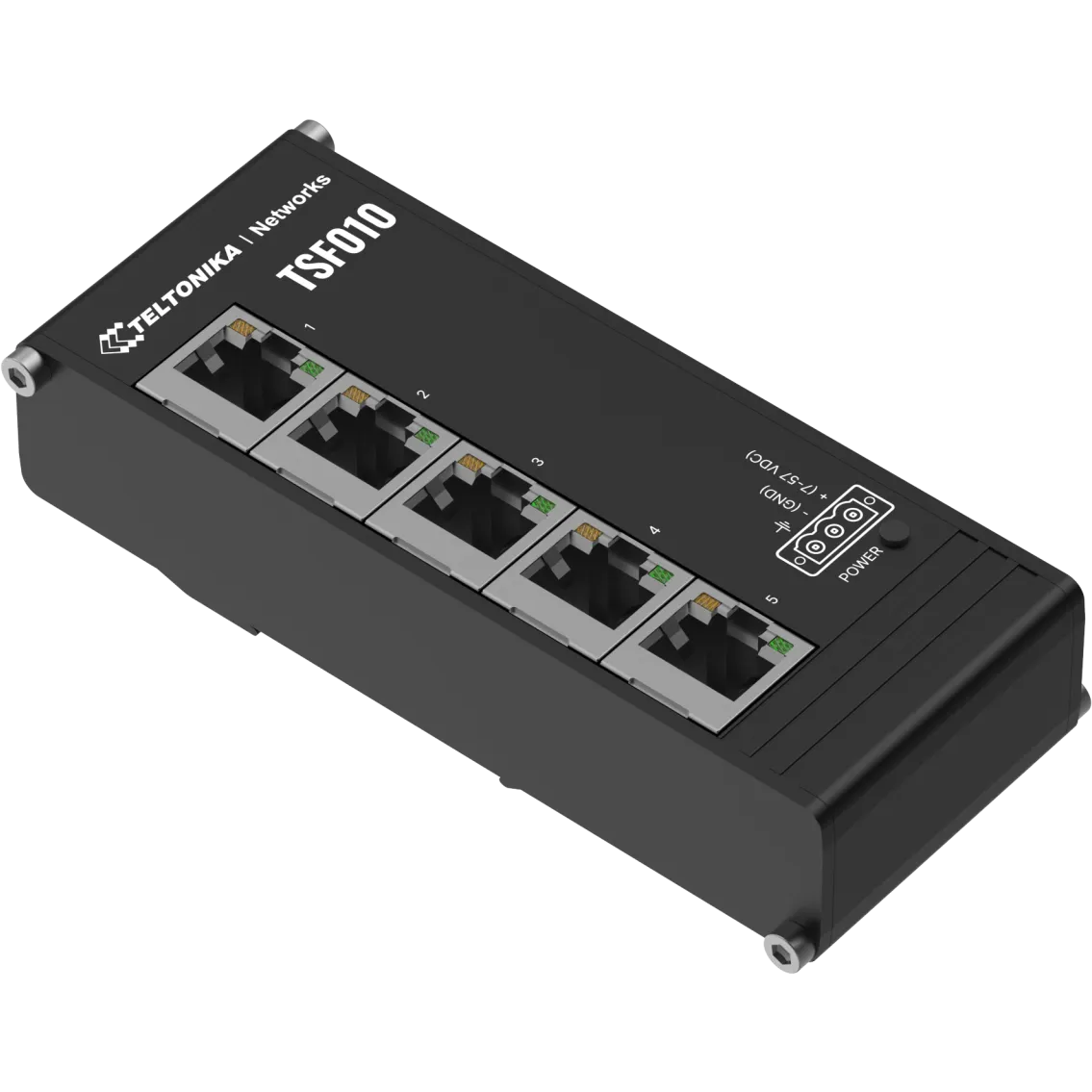
To connect additional devices via Ethernet, a switch is required.
Climkit offers a compact switch that installs directly on a DIN rail, accompanied by a 24V power supply (1 module).
With its 5 ports, it allows connecting the photovoltaic inverter, battery monitoring, or other devices.
PoE Switch
For Ethernet equipment requiring PoE power, a PoE switch is required.
It powers the gateway, controller, and Wi-Fi access points directly via the Ethernet cable, without any additional power supply.
Additionally, the SFP ports allow interconnecting multiple buildings on a site (see Microgrid diagram) via fiber optics through a single internet router.
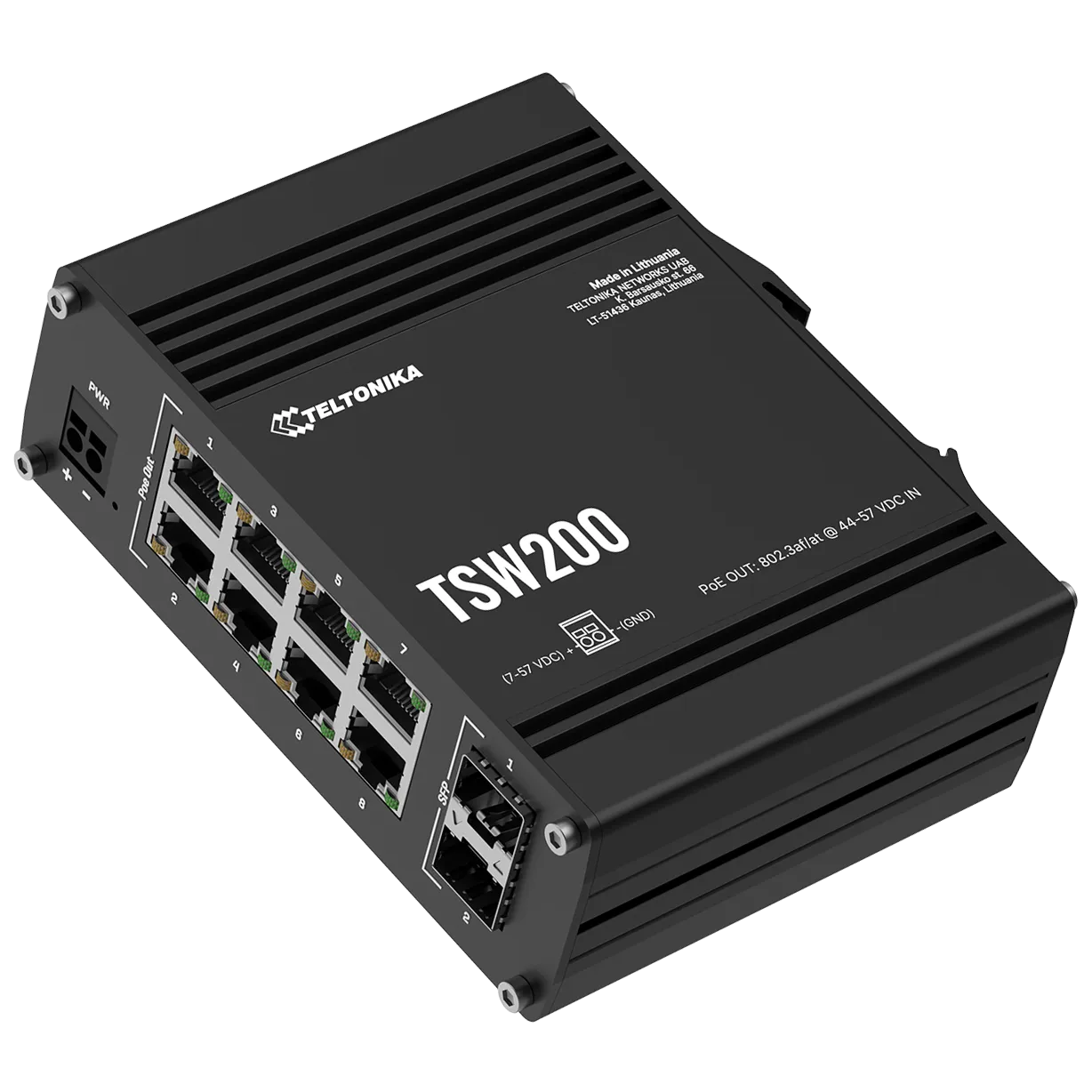
Model provided: Teltonika TSW200 (or equivalent) - 8 PoE Ethernet ports + 2 SFP fiber optic ports.
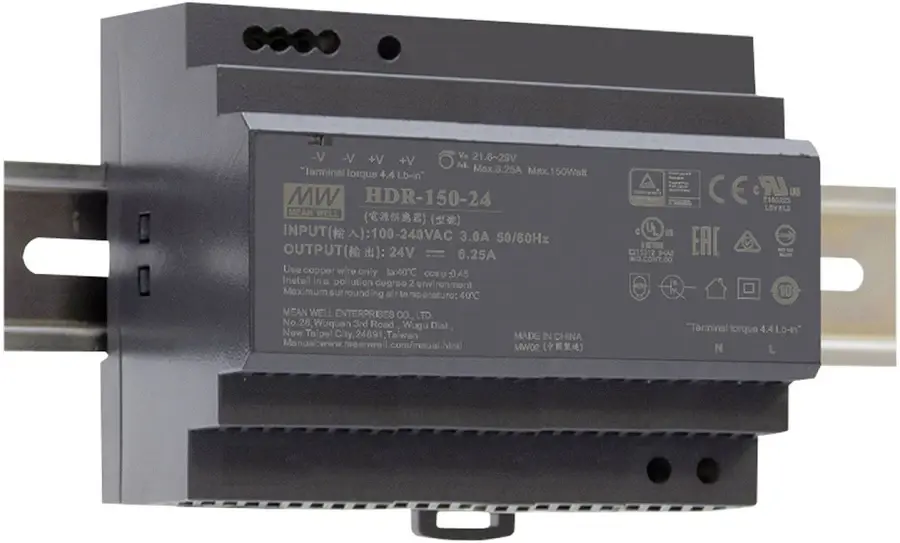
The switch is supplied with a DIN rail mount and its 48V DC 150W DIN power supply.